Turn Any Lecture Into Interactive Learning
Add questions, branching paths, and interactive zones to any educational video. Students engage with the content instead of watching it passively — and your LMS gets the data.
No credit card required · 7-day free trial
Better outcomes for students and instructors
From the moment they press play to the grade in your gradebook.

Turn passive lectures into active learning
Add questions, hotspots, and branching paths to any recorded lecture or explainer video. Students engage instead of passively watching — and you'll see exactly who understood what.

Check understanding at the moment it matters
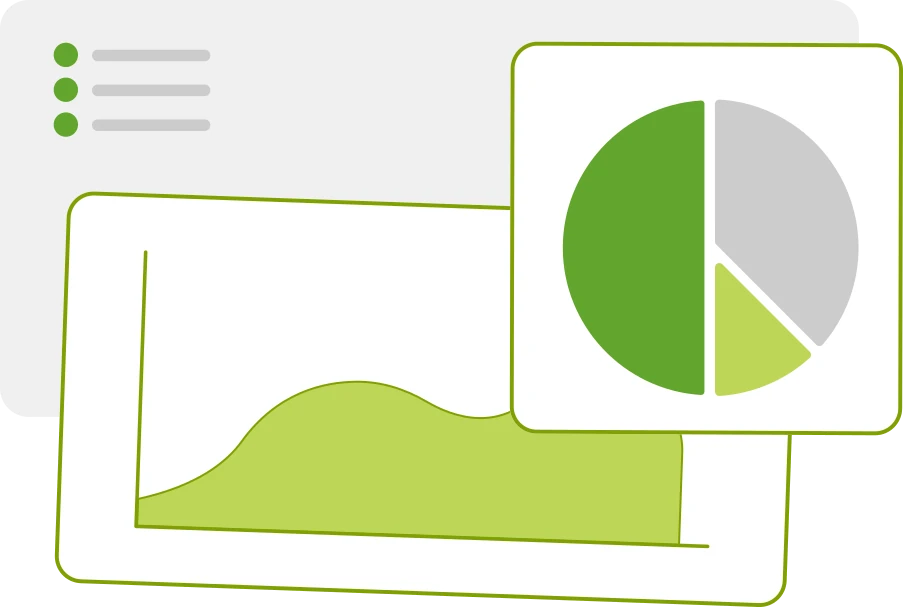
Embed scored questions that pause the video at key concepts. Students get immediate feedback. You get per-question data that goes straight into your LMS gradebook via SCORM.
Works with the platform you already use
Ivy exports standard SCORM packages that work with Canvas, Moodle, Blackboard, and any other SCORM-compliant LMS. Completion status, grades, and time spent are all reported automatically.
Works with your LMS








From recorded lecture to graded assignment in three steps
No technical skills needed. If you can point and click, you can build with Ivy.
Import your lecture or explainer
Upload a recorded lecture, explainer video, or demo clip. Ivy works with MP4, WebM, YouTube, and Vimeo.
Add questions and interactions
Use the visual editor to place knowledge-check questions, clickable zones, and chapter markers on your video timeline.
Publish to your LMS
Export a SCORM package and upload it to Canvas, Moodle, Blackboard, or any SCORM-compliant LMS. Grades and completion flow back automatically.
“My students actually engage now instead of letting the lecture play in the background.”
“Setting up knowledge checks took less time than writing a paper quiz. And I get better data.”
“The SCORM export worked with Canvas on the first try. No setup, no configuration.”
Frequently Asked Questions
Better learning starts before the lecture ends.
Start building interactive educational videos today.
No credit card required · 7-day free trial